EPOS built for busy hospitality & retail floors.
One system for the till, the kitchen and the till point queue — with 50+ modules to grow into, and payments that work with Teya from day one.
What is EPOS?
More than a till — the operating system for your floor.
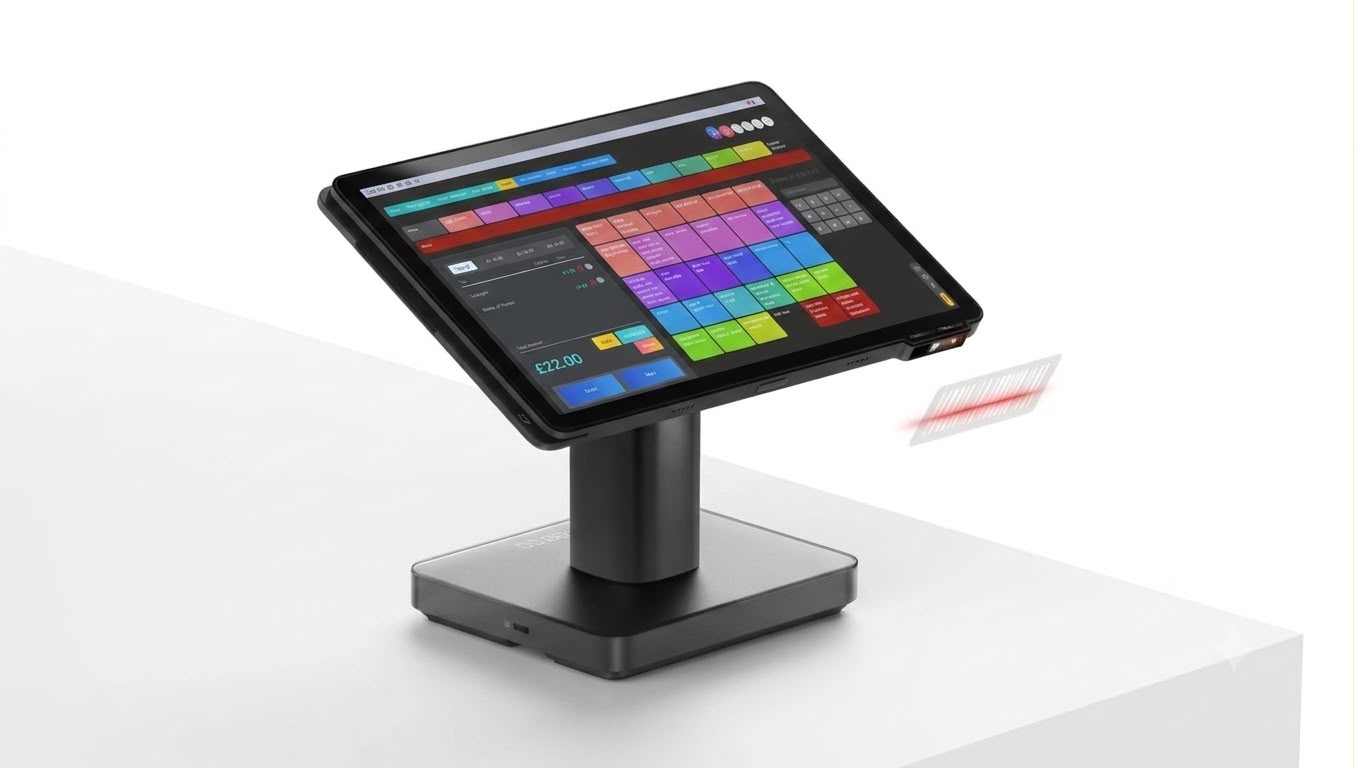
An Electronic Point of Sale (EPOS) system connects the till, kitchen, front-of-house devices and your payments into one live picture of your business — instead of a card machine bolted onto a cash register.
Till & waiter tablets
Fast, intuitive till software plus handheld tablets for table-side ordering that fires straight to the kitchen.
QR mobile ordering
Customers scan, order and pay from their own phone — orders land straight on the kitchen display.
Kitchen display screens
Digital order tickets replace paper dockets, with clear timing so nothing gets missed at pace.
Self-serve kiosks
Kiosk software that takes orders and upsells add-ons, reducing queues at busy periods.
Loyalty & rewards
Points-based loyalty programmes that keep customers coming back.
Digital signage
Menu boards and promotional screens managed centrally from one dashboard.
50+ Modules
Add exactly what your business needs.
Start lean, then switch on modules as you grow — no ripping out the till to add a feature.
Payments, sorted
Works with Teya from day one.
Our EPOS platform is payment-provider agnostic — it plugs straight into your Teya card payments, so takings on the till and money in your bank tell the same story, with next-day payouts intact.
EPOS Pricing
Billed monthly. Choose the modules you need — hardware quoted separately based on your setup.
Get My EPOS QuoteGet fully set up, with nothing to pay upfront.
Hardware, professional installation, menu setup, staff training and your first software licence — all included from day one. Your first payment isn't due until two weeks after you've gone live.
What's Included
Available to UK & Ireland hospitality businesses, subject to status and a standard credit check. 24 or 36 month terms; total cost varies by hardware bundle, till points and term length. Finance provided through Kennet Equipment Leasing Limited.
Powered by HDS
Built on the HDS Cloud Apps platform.
Our EPOS system — including the portal your team signs into every day — is powered by HDS Cloud Apps, a specialist EPOS and payments platform used by hospitality and retail businesses across the UK, Ireland and Europe.
Visit HDS Cloud Apps ↗
Download the App
Get the CPME app on Android.
Run your EPOS till straight from an Android tablet or phone with the Card Payments Made Easy app, built on the HDS Cloud Apps platform.
This app is distributed directly rather than through the Google Play Store, so you'll need to allow your browser to install unknown apps — see the steps opposite.
Unlock developer mode
On your Android device, go to Settings → About phone, then tap the Build number seven times.
Download the app
Open Chrome on your device and tap the download button opposite to get cpme-release.apk.
Open the file
Open the Files app, go to your Downloads folder, and tap the downloaded APK file.
Allow & install
If prompted, go to Settings, enable "Install unknown apps" for Chrome, then return to the file and tap Install.
See your EPOS setup before you commit.
Tell us about your venue and we'll talk you through the right till, tablets and modules — no obligation.